Editing travel videos is about much more than putting beautiful clips together. A great travel video tells a story, captures the atmosphere of a destination and gives viewers a reason to keep watching.
Whether you’re creating YouTube travel vlogs, Instagram Reels or cinematic travel films, the way you select your footage, arrange your shots, use music and pace your edits can make a huge difference to the final result.
I’ve been creating travel content for years, and one thing I’ve learnt is that you don’t necessarily need expensive camera equipment or complicated editing software to make good videos. What matters is knowing which moments to capture, which clips to keep and how to bring them together into a compelling story.
You will find plenty of travel videos online. But, how many of them inspire you to travel? If you find most of them boring. Then, imagine what effort you need to put across to make your travel videos worth watching.
In this guide, I’ll share seven practical travel video editing tips to help you create more engaging videos, from organising and trimming your footage to improving audio, using transitions and adding graphics. These tips are useful whether you’re just starting out or looking to improve your existing travel videos.
How to Edit Travel Videos: A Beginner’s Guide
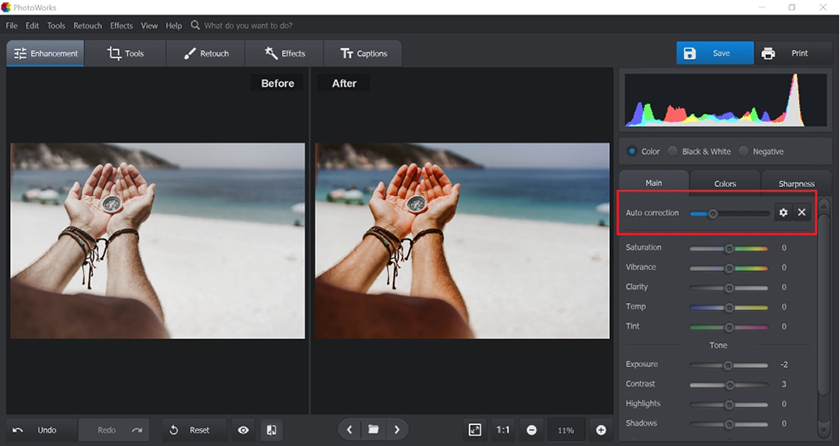
Capture Better Footage Before You Start Editing
Good travel video editing begins before you open your editing software. The quality of your final video depends partly on the footage you capture while travelling.
You don’t need an expensive camera to get started. A smartphone can capture excellent travel footage if you pay attention to lighting, stability, framing and composition.
Here are a few things to keep in mind while filming:
- Capture a variety of shots: Record wide shots to establish the location, medium shots to show activities and close-ups to highlight interesting details.
- Keep your footage steady: Use a tripod, gimbal or stable handheld technique where appropriate.
- Think about the story: Film the journey to a destination, your first impressions, local experiences and small details that help viewers understand the place.
- Check your settings: Choose a suitable resolution and frame rate before recording, and keep your settings consistent where possible.
- Record more than scenery: Capture conversations, street sounds, food, transport and everyday moments that give your video personality.
Rather than filming everything you see, think about what each shot contributes to the story you want to tell. This makes the editing process faster and the finished video more engaging.
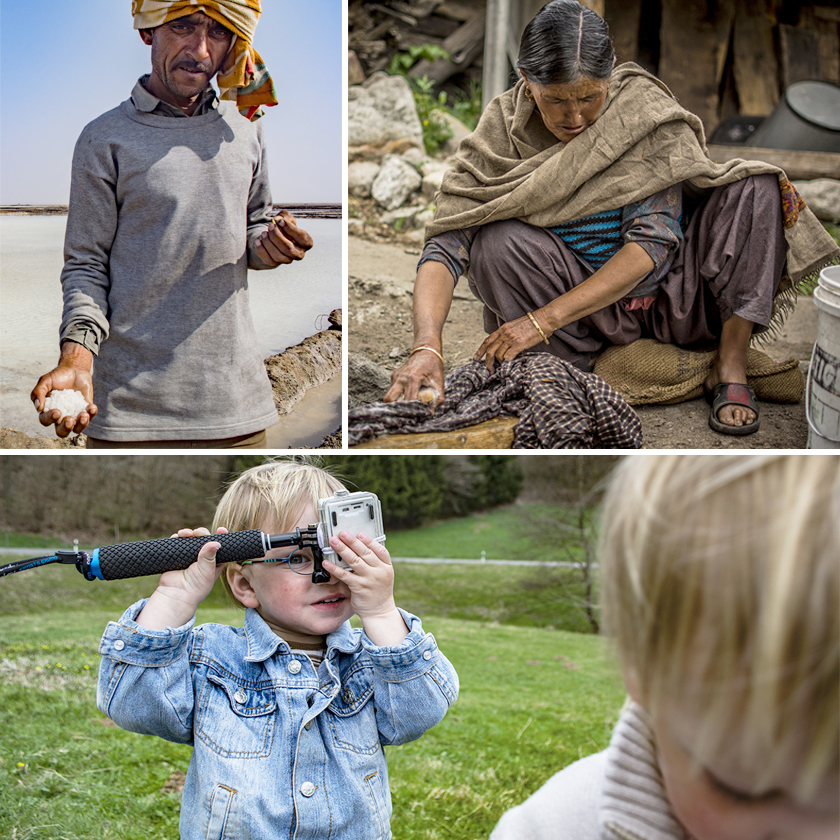
Choose The Right Video Editing Software
The video editing software you choose can affect how quickly and comfortably you work, especially when you’re handling hours of travel footage.
If you’re a beginner, start with an editor that makes basic tasks such as trimming clips, arranging a timeline, adjusting audio and adding titles easy to understand. More advanced creators may want features such as colour grading, keyframe animation, audio mixing and support for high-resolution footage.
- Before choosing an editor, consider:
- Whether it works on your computer, tablet or phone.
- Whether its free version includes the features you need.
- How well it handles your camera’s video formats.
- Whether it supports vertical videos for Reels and horizontal videos for YouTube.
- How easy it is to organise footage and manage large projects.
The online video editors feature many customizable templates to let you create astonishing content without having you brainstorm your mind and waste extra time.
AI tools even allow you to enhance accessibility by adding subtitles to video, use an auto subtitle generator for quicker edits, or experiment with many available AI text to video tools and image generator to create unique content.
Remember, expensive software won’t automatically make your videos better. Learn the basics of one editor first, then explore advanced features as your skills develop.
Smart Arranging Your Travel Videos
While editing your videos, the first thing to do is to sort and trim the footage using a decent video trimmer. If you are a beginner at editing, doing the same can be quite daunting, as you cannot be sure what footage to add and what to trim.
The best way to do trimming and arranging is by opting for the shots and footage with the best angle perspective. Your footage should look clear. Therefore, avoid cluttering.
Besides, give an optimum length to your video, as no one likes to see lengthy content. While you arrange the shots, think of an order or flow that can make people stay to watch your video completely.
When it comes to video trimmers and editors, plenty of options exist. But, you must go for a video trimmer that is easy to use and provides good after-sales services to get the job done timely.
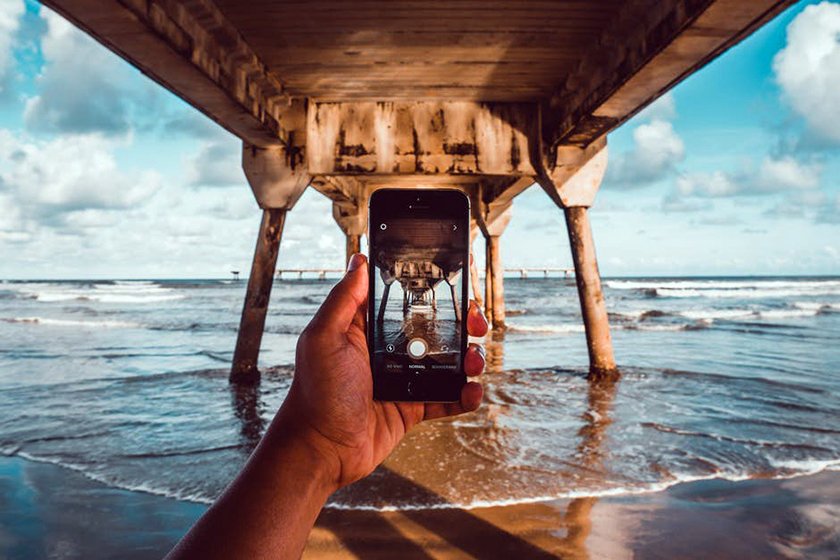
Storyline
The secret to a successful video is an impressive storyline. To make your video binge-worthy, you must possess a creative mindset while being professional at the same time.
Creating a story for your travel video can be tricky, but if you invest some time talking to the local people and collecting interesting facts about the place, you can easily make the story. Make sure that the facts and figures collected are genuine by performing research online.
If you are travelling to someplace that doesn’t have any history or much to reveal, you can always showcase your lifestyle and natural assets. Then, think of finding one common link between the footage to try to weave a beautiful story to keep viewers engaged.
Transitioning affects
How will it be to witness a sudden transition while watching a travel video? Well, honestly, no one would like to experience it as it is a sign of disturbing quality.
To get the most out of your video, use a reliable video editor for smooth transitioning. Video editors provide many transition effects for shifting from one scene to another seamlessly.
Additionally, you can opt for a motion blur effect and incorporate changing effects to add life to your travel video content without compromising quality and visuals.
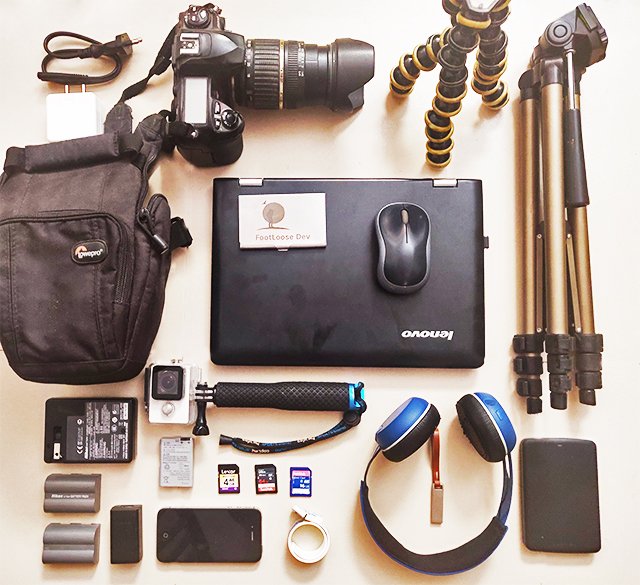
Audio Effects
Adding attractive visual effects is one side of enhancing the appeal of your travel video. Simultaneously, you must also add crisp audio effects to change the entire aura of the video you are creating.
Depending on your video type and style such as adventurous, vintage or ancient, add a suitable music effect. Music plays an important role to keep viewers engaged. It acts as a driving factor to ensure that viewers can feel the pace of your content.
When you add music and other audio effects, it not only makes your video interesting but also adds to the quality. However, it is not advised to overdo with audio effects. You can add music in some parts while leaving some parts blank. Too much music can also ruin your effort while making your video look over and chunky.
Many royalty-free and copyright-free video makers are available online that features uplifting music like ancient, soothing, etc. You can opt for any good option depending on the music resources they are providing.
Animation And Graphics
Last but not least, you can add graphics and animated effects to make your video lively. With the right graphics and animations, you can highlight small details about the places. For instance, if you are revealing any fact about the destination, then that portion can be highlighted with animation or graphics.
So, to spice up your travel videos, don’t forget to play with animations and graphics.
Editing Your Travel Videos Like A Pro: The Conclusion
Learning how to edit travel videos takes practice, but you don’t need expensive equipment or advanced effects to get started. Focus on capturing useful footage, building a clear storyline, trimming unnecessary clips and getting the audio right.
As you become more comfortable with your editing software, experiment with transitions, colour grading, captions and graphics to develop a style of your own. Most importantly, remember that beautiful visuals alone don’t make a memorable travel video. The experiences, people and stories behind those visuals are what give your content personality.
Whether you’re creating YouTube travel vlogs or short videos for Instagram, keep practising, review what works with your audience and improve one aspect of your editing with every project.
If you have a question or would like to connect, please find me on Instagram. You can also follow my YouTube channel for video updates.